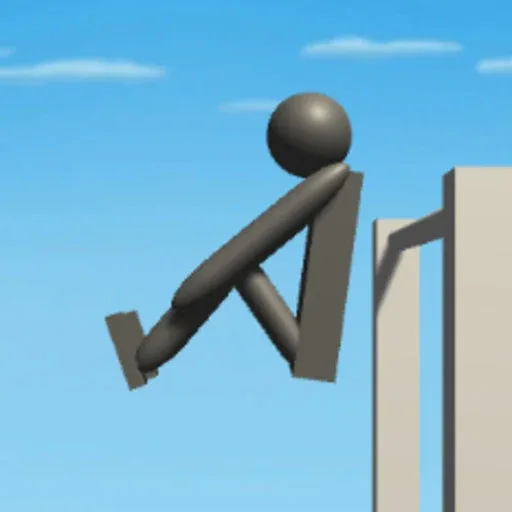
 NoomiClone
How to play NoomiClone
Google Play’s description is the shortest true summary: “Fun physics-based flipping. Try out our bar mode to have gymnastics / calisthenics like bar tricks, or mess around with tumbling mode and do awesome backflip combos.” You are steering a ragdoll, not a character with a face. Small inputs swing a lot.
My first minute in the browser build was mostly resets. Left arrow opened the body into an arch, space pulled it into a tuck, and the up arrow dropped the bar. If I pressed tuck too late the figure sailed past the bar and the regrabs counter stayed at zero. R put me back on the bar faster than waiting for the ragdoll to settle. That is the whole beginner loop I would repeat before chasing a named trick.
A first session
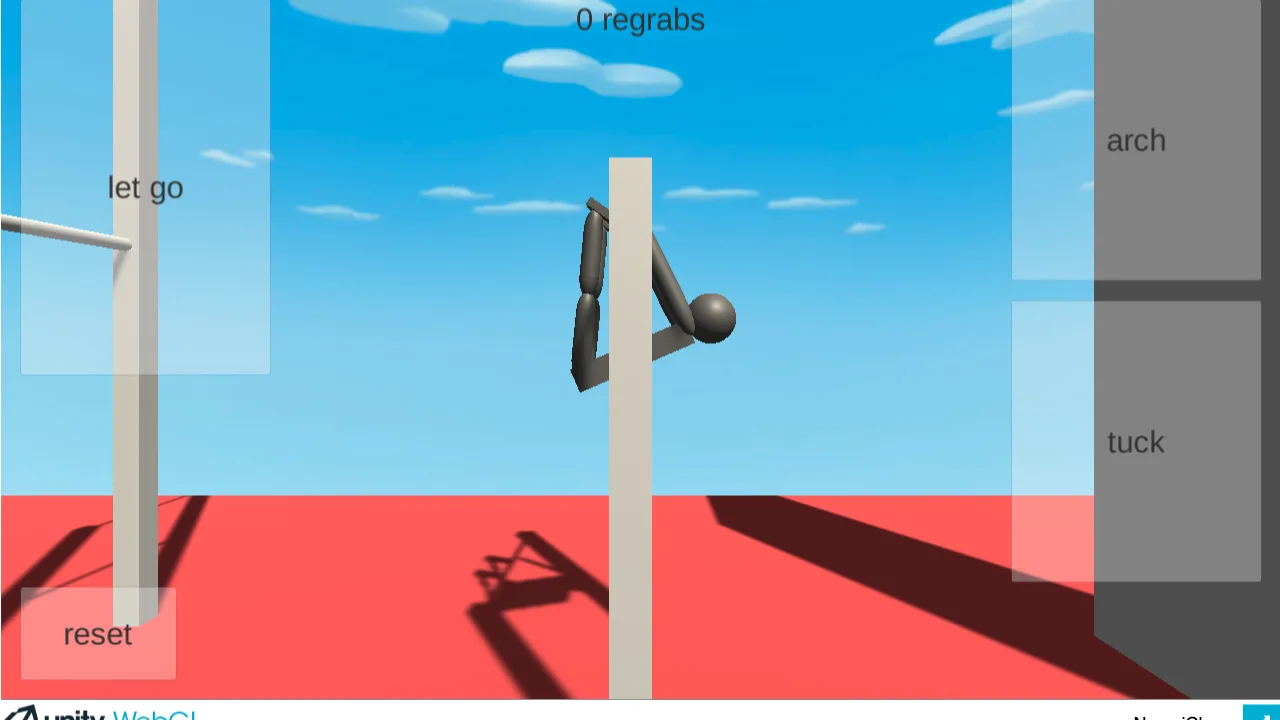
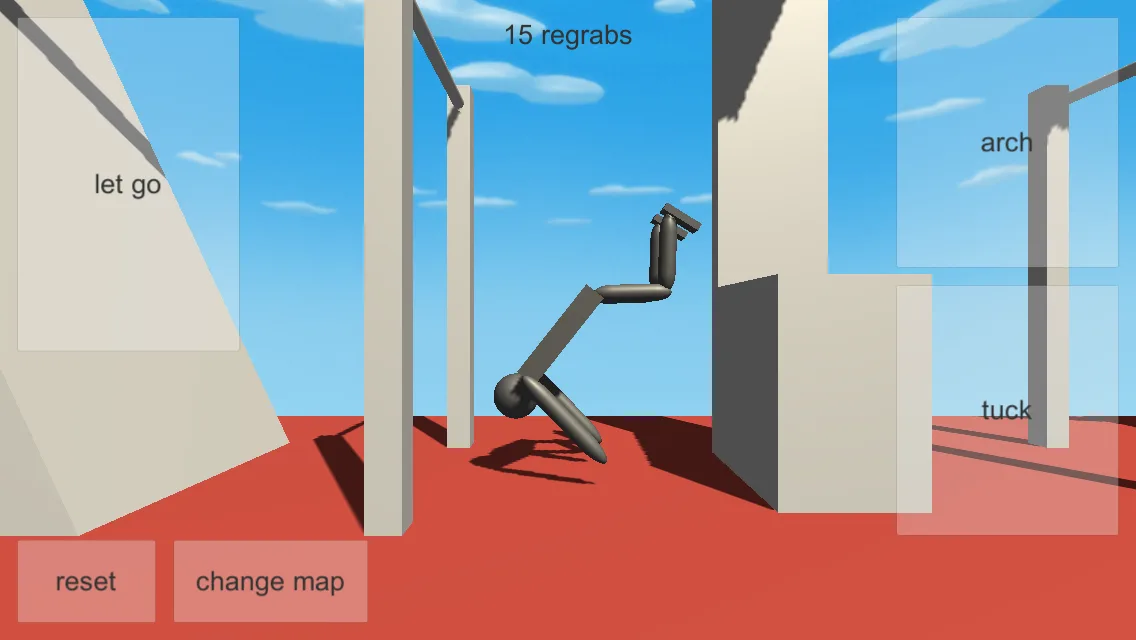
On a computer, open the browser build from the play page. Confirm the four keys: left arrow arch, space tuck, up arrow let go, R reset. Hold arch until the figure swings, tap tuck near the top, then let go only when you want to leave the bar. Reset as soon as the swing looks wrong. On a phone the same words are buttons. Official screenshots place let go and arch as large tiles, tuck opposite them, and reset plus change map at the lower left.
Bar mode is the gymnastics bar. Tumbling mode is the floor and the obstacles. The store does not publish a tutorial order. A 27 Sep 2026 video, “Tutorial how to play noomiclone” by noomicool, shows one creator’s order. Watch it beside the keys rather than memorising a frame count I have not measured.
What not to expect
RuStore tags its listing as single-player. The App Store metadata lists English, but its 2.0.0 notes announce seven in-game languages via the flag button without naming them. Those notes also introduce replays and free slow motion; 2.2.0 adds direct gallery export and Show Taps. Save one run and compare the arch and tuck with a creator demonstration. Web and older mobile builds may not have these features.
Start NoomiClone in a desktop browser
- Open the developer’s itch.io NoomiClone page and select Run game.
- Use left arrow to arch, spacebar to tuck and up arrow to let go.
- Press R to reset.
Questions
How do you backflip?
Players combine arch and tuck, then let go. The store does not publish a frame chart. The front-flip page links a creator video and stays with those three inputs.
Keep going
Key and button tableBar trick
The official phrase, and a videoFront flip
Arch, tuck, let goКак играть
То же самое по-русскиPlay
Open the browser buildNoomiClone maps: how to change map
Related guide
Sources
- Google Play description checked 2026-10-01
- itch.io keyboard line checked 2026-10-01
- noomicool tutorial on YouTube checked 2026-10-01