 NoomiClone
NoomiClone controls
The developer’s itch.io keyboard help reads: “Keyboard controls - left arrow to arch, spacebar to tuck, up arrow to let go, R to reset.” The old touch screenshots use those words too. Current mobile releases add controls documented in the official App Store history, described separately below.
In the browser build I kept one hand on the arrows and the other near space. Arch is a lean, not a jump. Tuck snaps the body smaller so the swing speeds up. Let go is the release, and it is easy to hit early. R was the key I used most. The regrabs number at the top only moved when I actually caught the bar again.
Keyboard
These four bindings are quoted from itch.io. They apply to the HTML5 build that page hosts.
- Left arrow — arch
- Spacebar — tuck
- Up arrow — let go
- R — reset
Touch, from the official screenshots
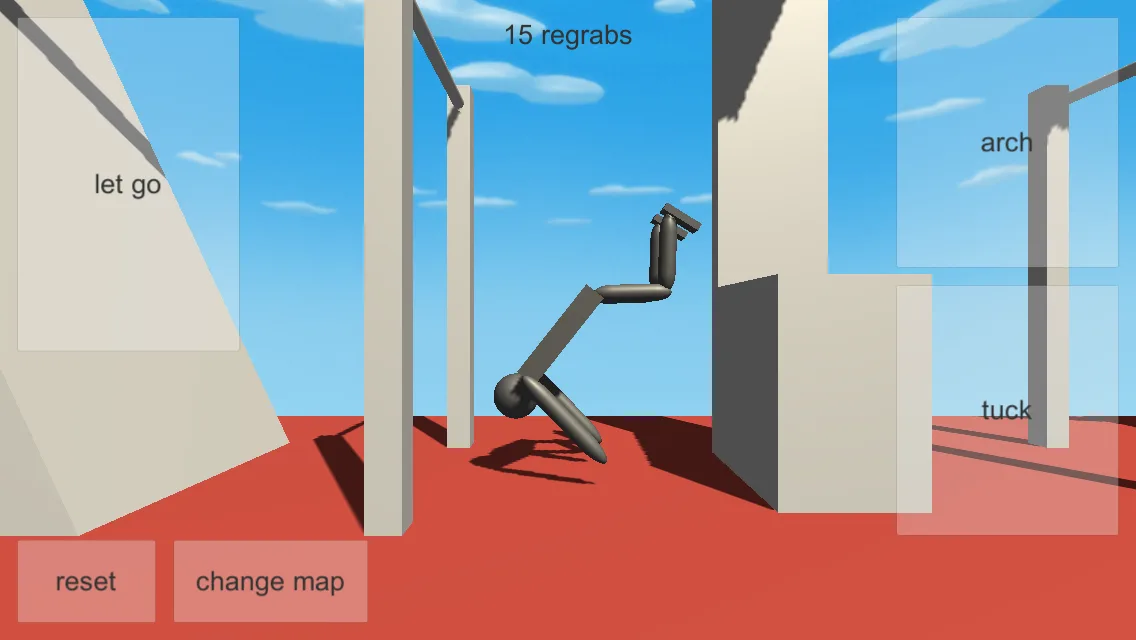
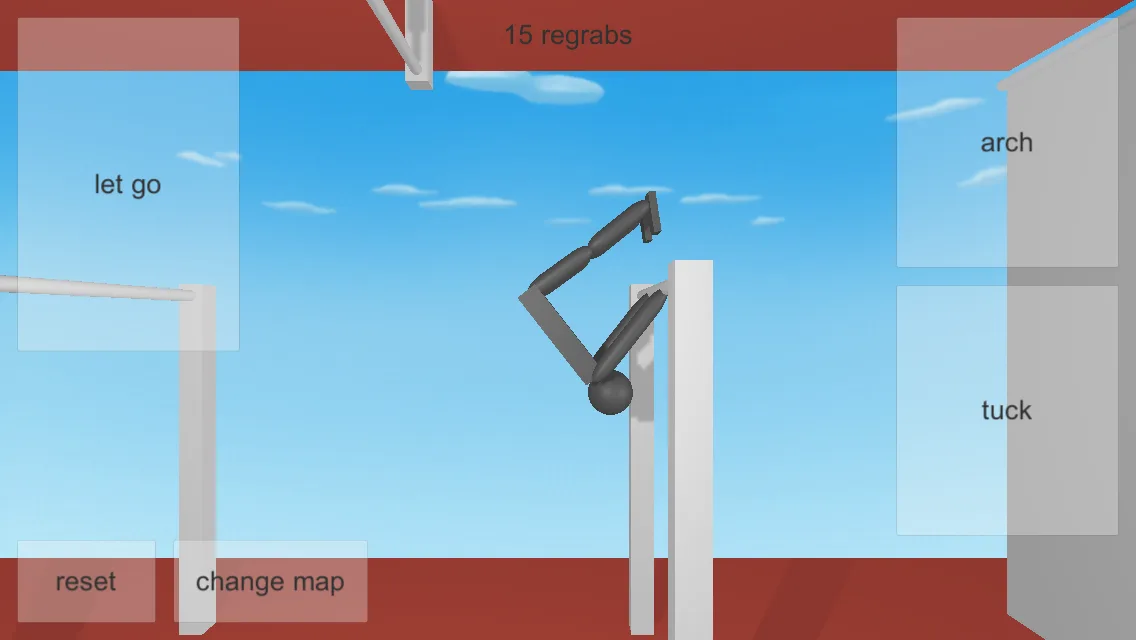
Google Play and App Store screenshots show translucent tiles. Large ones read let go, arch and tuck. Smaller ones at the lower left read reset and change map. A chip at the top reads a number plus the word regrabs. One Play screenshot shows “15 regrabs”; an App Store screenshot shows “0 regrabs”. That counter is the game’s own score word. Russian players call the same action перехваты.
Current mobile controls differ from the old web build. Official App Store version 2.0.0 notes document twist buttons: tap the opposite direction to reverse, and hold both to hold your angle. They also document UI Designer and LET GO switching to Stick or Twist mode. Version 2.1.0 adds Slow, Regular or Fast Twist Speed in Gameplay settings. Earlier 1.7.4 notes rename Jump to Squat and add Squat to bar mode. No corresponding new keyboard bindings are documented on itch.io.
Use the documented NoomiClone browser controls
- Open the developer’s itch.io NoomiClone page and select Run game.
- Use left arrow to arch, spacebar to tuck and up arrow to let go.
- Press R to reset.
Questions
Is there a key for change map on PC?
The itch.io keyboard line does not include one. The change map control is a button on the touch screenshots. See the maps guide for what players have asked.
Keep going
Use the keys in a sessionMaps
The change map buttonRegrabs
What the counter is countingPlay
Try the keys in the browser
Sources
- App Store — official version history and mobile controls checked 2026-10-02
- itch.io — keyboard controls checked 2026-10-02
- Google Play screenshots and listing checked 2026-10-02