 NoomiClone
 PC: browser, Windows*, or an emulator
Is there NoomiClone on PC? Yes, in a desktop browser: the developer’s itch.io page runs the game with no install. “NoomiClone PC” can also mean the Google Play line “Available on Android, Windows*”, or an Android emulator. Only the first two are on official pages. The asterisk is “Powered by Intel technology”. The store page I checked did not say whether that is a Play Games install, a stream, or something else.
NoomiClone PC keys
The itch.io description is the only official keyboard list, and it has four keys. Nothing else is documented, including a key for changing maps.
- Left arrow — arch
- Spacebar — tuck
- Up arrow — let go of the bar
- R — reset the attempt
Three paths, and what is actually confirmed
Path one is the HTML5 build. No install, same keyboard line as the itch.io description. Path two is whatever Google Play means by Windows*. Quote the footnote and then check the Play page on your own PC, because the wording can change. Path three is a third-party emulator running the Android app. That is the only way to get the store-only features added in 2.4.0, such as Map Maker and the water maps, on a computer, and it is a third-party setup, not an official system requirement.
I am not listing BlueStacks or LDPlayer as official. BlueStacks now has a NoomiClone page in search results, and MEmu had one on 1 Oct 2026; both are emulator vendors’ pages, not the developer’s.
- Browser: works without a store account, desktop tested here
- Windows*: official label only, form not documented on the store page
- Emulator: optional, install the current store version (2.5.6) inside it, not an old APK
Why PC feels different
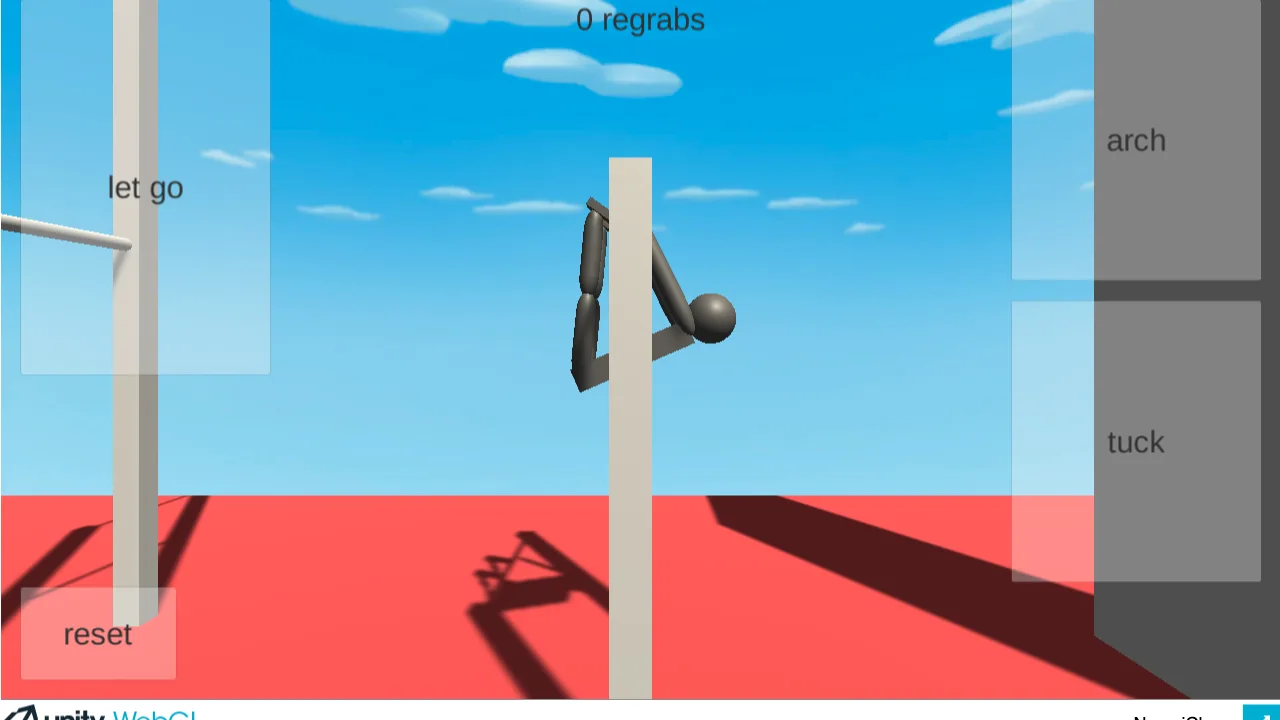
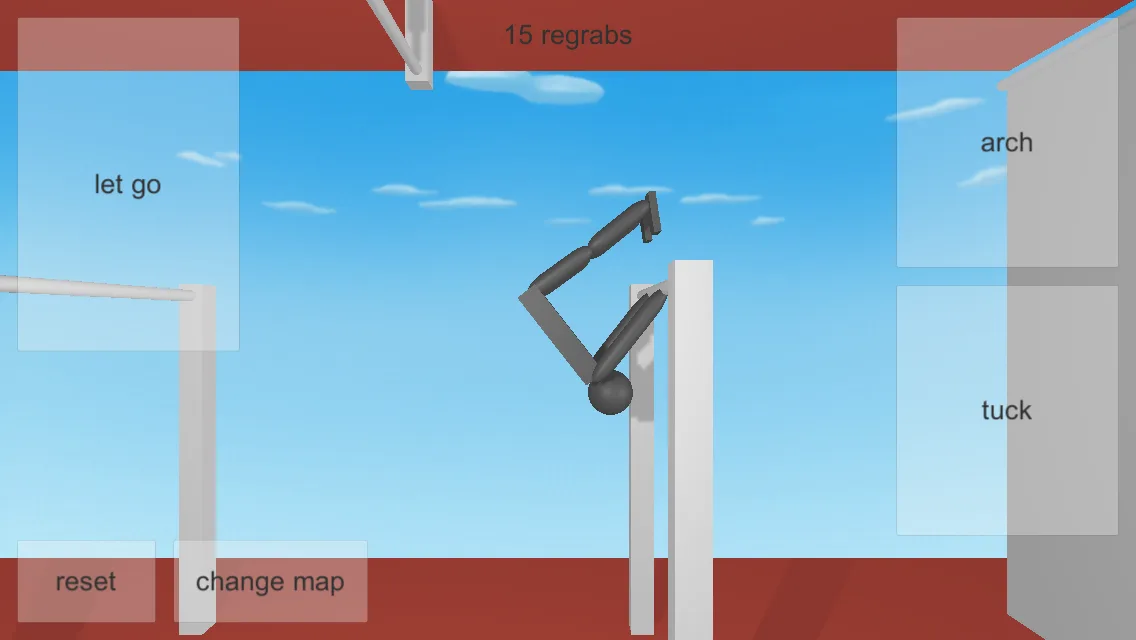
The mobile screenshots show large tiles: let go, arch, tuck, reset, change map. On the web build those actions are keys, so a miss is easier. If you are learning, stay on one map, reset often with R, and only then chase the regrabs counter. Map changing on the computer is a separate question players have asked on itch.io for years; the touch UI has a change map button, and the keyboard page does not name a key for it. The phone app also lets you move and resize every button, and since 2.4.0 you can edit them from the pause menu with three layouts; the browser build has none of that.
Questions
Can you play NoomiClone on PC without an emulator?
Yes. The itch.io HTML5 build runs in a desktop browser. That is the path I used.
What keys does NoomiClone use on PC?
Left arrow to arch, spacebar to tuck, up arrow to let go and R to reset. Those four are the whole official list on itch.io.
Is there a NoomiClone .exe for Windows?
Not from the developer. Google Play shows a Windows* label but no setup file. Windows builds that circulate under the NoomiCheems name are an unofficial fan mod, not NoomiClone.
Is there a Mac download?
The App Store device list I checked has iPhone, iPad, iPod touch and Apple Vision. It has no Mac entry. Use the browser build on a Mac.
Keep going
Click to load, no installControls
Keyboard and touch side by sideHow to play
A first session on keyboardChange map
What the button does, and the PC gapNoomiCheems
The fan mod with a Windows buildAll stores
Official links onlyNoomiClone on Android, without a random APK
Related guideNoomiClone on iPhone, iPad and Mac
Related guide
Sources
- itch.io — keyboard controls checked 2026-11-14
- Google Play — Windows* line checked 2026-11-14
- MEmu — third-party emulator listing, not official requirements checked 2026-11-14
- App Store — 2.4.0 notes checked 2026-11-14